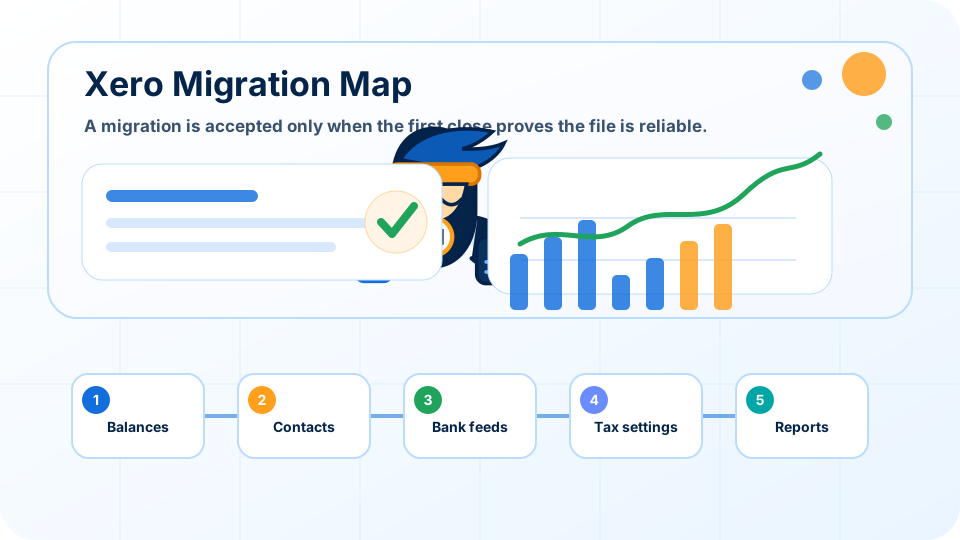


A Xero migration is a controlled accounting cutover, not a bulk file import: opening balances, tax settings, bank feeds, permissions and reporting rules must work together.
Key takeaways
- Design the future reporting structure before mapping accounts from the old system.
- Reconcile opening bank, receivable, payable, loan, tax and fixed-asset balances before relying on the new ledger.
- Use tracking categories for genuine reporting dimensions instead of creating dozens of near-duplicate accounts.
- Treat the first completed month-end close as the migration acceptance test.
What a Xero migration includes
A Xero migration moves accounting records and operating routines into a new cloud ledger. The scope normally includes the chart of accounts, contacts, opening balances, outstanding invoices and bills, bank feeds, tax settings, user permissions, document workflows and reporting layouts.
The safest cutover distinguishes required historical data from records that can remain in an archive. Importing everything can create duplicate contacts, unusable account codes and unreliable opening figures. The migration plan should state the cutover date, reconciliation evidence, known limitations and the person who approves the converted file.
Start with the reporting questions before importing data
Many migrations fail because the team starts with software mechanics instead of decision needs. They import contacts, copy old accounts, connect bank feeds and only later ask whether the reports are useful. A better migration begins with questions. What does the founder need to see each month? Does the business track product lines, customer segments, projects, branches, online channels or grant-funded activity? Does management care more about gross margin, cash runway, collections, burn rate, payroll cost or inventory? The chart of accounts should support those questions without becoming so detailed that coding becomes inconsistent.
For a Singapore startup, the accounting structure must also support compliance. Revenue, deductible expenses, fixed assets, payroll, director remuneration, GST-related categories and tax-sensitive items need enough clarity for review. A cloud accounting file should not be a dumping ground for generic expenses. It should make common transactions easy to code and unusual transactions easy to inspect.
Clean opening balances are more important than speed
Opening balances are the bridge between the old system and the new file. If trade receivables, payables, bank balances, loans, fixed assets, GST balances or retained earnings are wrong at migration, every future report begins with a trust problem. The migration should include a balance sheet review, bank reconciliation status, accounts receivable and payable listing, fixed asset schedule, loan schedule and any tax or payroll balances carried forward.
It is tempting to rush because founders want the new dashboard online quickly. Speed matters, but a cloud file with unreliable opening balances creates more work later. The practical compromise is to set a migration date, import the cleanest available balances, document known limitations and keep a post-migration review list. That list should be resolved before the founder starts using the dashboard for serious decisions.
Design the chart of accounts for consistency, not decoration
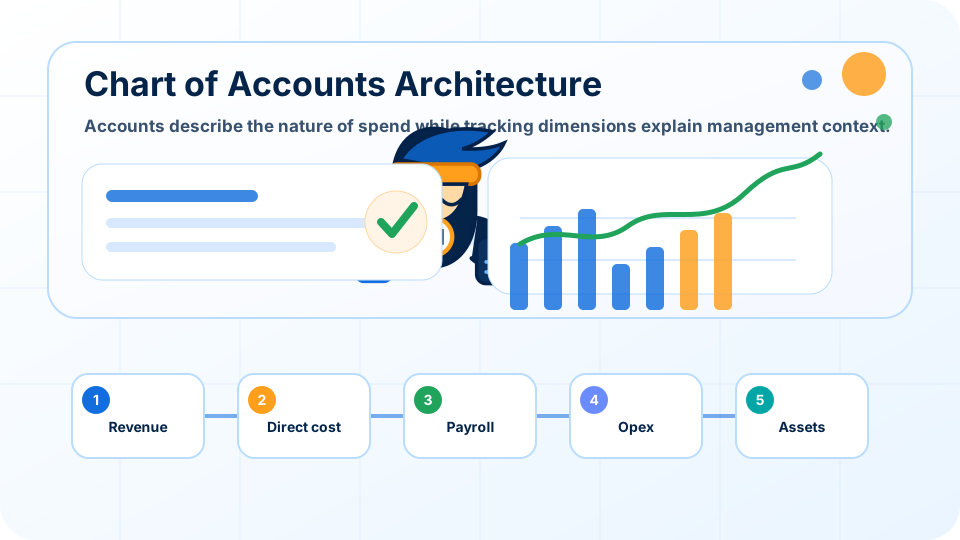
A chart of accounts is a behavioural tool. If it contains too many near-duplicate categories, users will code similar transactions differently. If it is too shallow, management cannot see the drivers of cost and margin. The right design groups accounts around how the company operates. For example, software subscriptions may be separated from hosting, payment processing, professional fees and advertising. Payroll-related accounts may distinguish salaries, employer contributions, contractor fees, benefits and reimbursements. Revenue accounts may distinguish subscription, services, project revenue or marketplace income if those categories support decisions.
Tracking categories can add a second dimension without exploding the account list. A company can use accounts for the nature of spending and tracking for department, project or channel. The accountant should document rules for common transactions and review them after the first two closes. The first version does not have to be perfect, but it must be deliberate.
Migration is complete only after the first close succeeds
A migrated file is not proven when the import finishes. It is proven when the first monthly close produces reports the founder can trust. That close should include bank reconciliation, receivables and payables review, payroll checks, unusual transaction review, and a comparison against expected revenue and cost patterns. The accountant should record issues discovered during the close and update the workflow rules before the second month.
This review period is also where training matters. Founders and operations staff need to know how to submit documents, approve bills, read dashboard status and avoid changing reconciled items without review. Cloud accounting creates visibility, but only if the operating habit around it is clear.
Migration acceptance evidence and success measures
The acceptance file should show more than a successful import message. Keep the approved old-system trial balance, mapping table, opening-balance journals, bank statements, receivable and payable listings, fixed-asset and loan schedules, tax-control reconciliation, permission list and the first-close review. This evidence makes later questions traceable.
Measure the migration by operational results: unmatched bank lines, opening-balance differences, duplicate contacts, manual corrections after cutover, time to complete the first close and the number of reporting questions the new structure can answer. A migration that moves quickly but produces repeated corrections has not delivered its intended value.
Common Xero migration risks
Unreconciled opening balances
A migration can appear complete while bank, tax or retained-earnings balances are wrong. Require signed-off schedules for every material balance-sheet account.
Over-designed charts
Too many accounts and tracking options make everyday coding inconsistent. Keep only distinctions that support regular compliance or management decisions.
Excessive permissions
Separate the ability to upload documents, approve bills, reconcile banks, edit settings and view payroll. Migration is the best moment to establish least-privilege access.
Xero migration implementation plan
1. Define scope and cutover
Choose the migration date, reporting requirements and history to import. Freeze changes to the old ledger long enough to produce final reconciliations and schedules.
2. Map, test and reconcile
Map old accounts to the new chart, test bank feeds and tax settings, then compare the converted trial balance with approved source schedules.
3. Run the first close
Complete bank reconciliation, receivable and payable review, payroll checks and management reporting. Resolve the migration issues log before treating the new ledger as established.
Xero migration acceptance checklist
- Choose a migration date and lock the list of records needed before that date.
- Reconcile bank accounts and confirm the final statement balance for each account.
- Prepare receivables, payables, fixed asset, loan and payroll schedules before opening balances are entered.
- Map old accounts to the new chart and remove duplicate or unclear categories.
- Define tracking categories only where they support regular management reporting.
- Test bank feeds, invoice templates, contacts, tax settings and user permissions before going live.
- Run the first month close as a migration acceptance test, not routine bookkeeping.
- Keep a migration issues log with owners, due dates and resolution notes.
How Ninja Accountant reviews this area
Ninja Accountant should treat migration as an advisory project. The accountant reviews not only whether the numbers moved, but whether the new structure can support compliance, tax preparation, GST review if applicable, and management reporting. The most valuable outcome is not a tidy software setup. It is a finance file that the company can maintain.
A good chart of accounts also reduces future training cost. When categories are logical, founders and staff make fewer coding mistakes. When reports are designed around decisions, month-end conversations become more useful and less defensive.
Additional review considerations
Historical cleanup should be scoped carefully. Some companies need full retrospective correction. Others need a practical cutover with documented limitations. The accountant's role is to explain the trade-off between cost, accuracy and decision usefulness so the founder can make an informed choice.
Permission design is often overlooked. The person uploading bills does not always need permission to change bank rules. The person reviewing sales invoices does not always need payroll access. A migration is the right moment to assign roles before habits become hard to change.
Related Ninja Accountant guides
Frequently Asked Questions
How long does a Xero migration take?
Timing depends on transaction history, reconciliation quality, integrations and the number of open balances. A clean current-year cutover is much faster than correcting several years of incomplete records.
Should every historical transaction be imported?
Not always. Many companies import clean opening balances and retain detailed history in a controlled archive. The right choice depends on reporting, audit, tax and operational needs.
When is a Xero migration complete?
It is complete when opening balances reconcile, feeds and permissions work, staff follow the new document process and the first month-end close produces reliable reports.
Can a chart of accounts be changed after migration?
Yes, but changes should be governed. Document why an account is added or merged and consider the effect on comparative reporting, tax mapping and integrations.